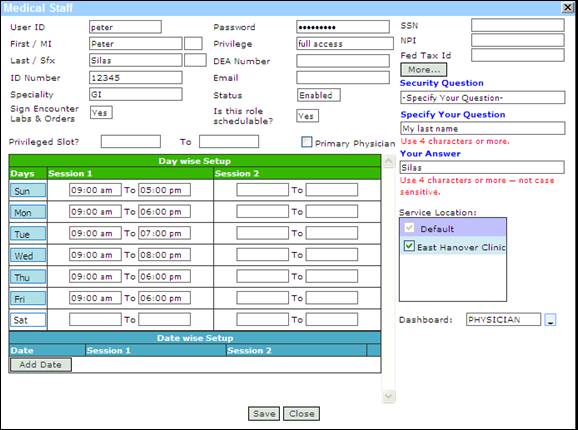
How
to create Secret Question
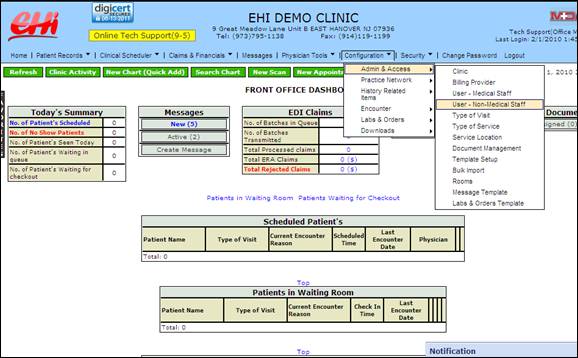
Go to User - Medical or Non-Medical from
Configuration Menu
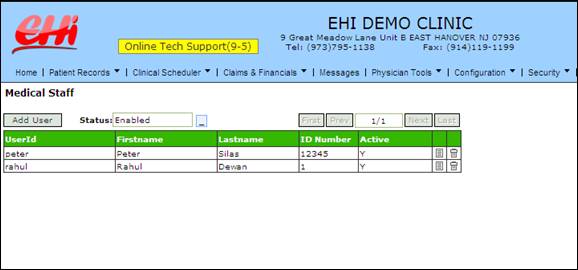
Click on the ‘Edit’ icon for the desired User.

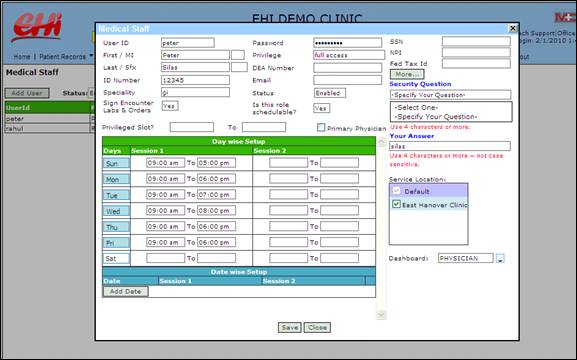
Click on the ‘Secret Question’ drop down. Select
“Specify your question”
Type you question and answer in the respective text
box. DO NOT USE ANY SPECIAL CHARACTER Click on ‘Save’
once you are done.